Wenze na Biso General Terms of Service
Welcome to Wenze na Biso. These Terms of Service ("Terms") govern your access to and use of the Wenze na Biso website, mobile applications, and services. By using our Services, you agree to be bound by these Terms.
1. Description of Services
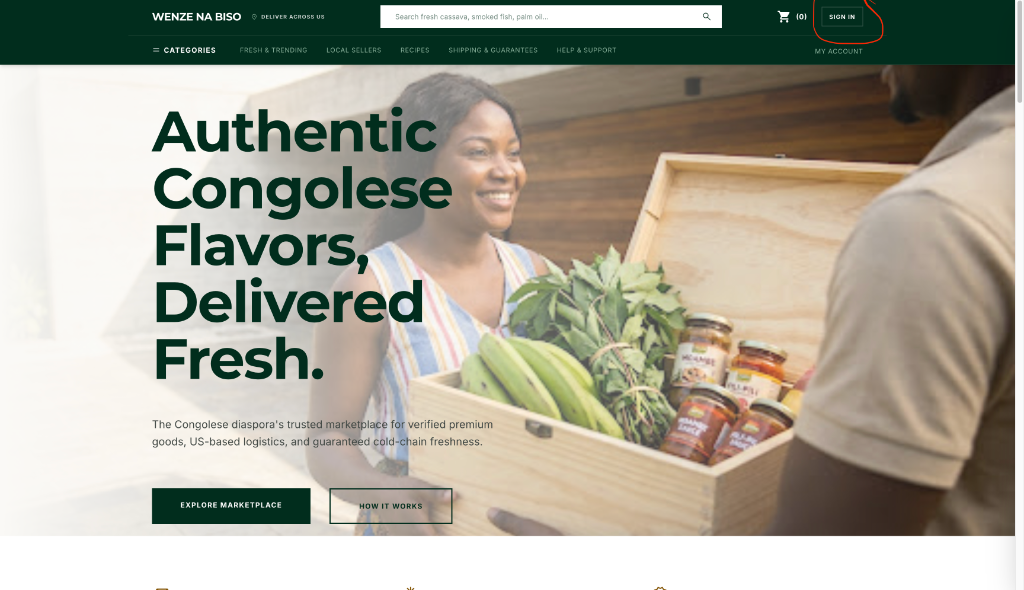
Wenze na Biso operates an online marketplace connecting US-based sellers ("Vendors") of authentic Congolese specialty foods, heritage goods, and merchandise with buyers. Wenze na Biso acts as a facilitator and platform provider. We are not a broker, manufacturer, or shipping carrier.
2. Account Registration & Security
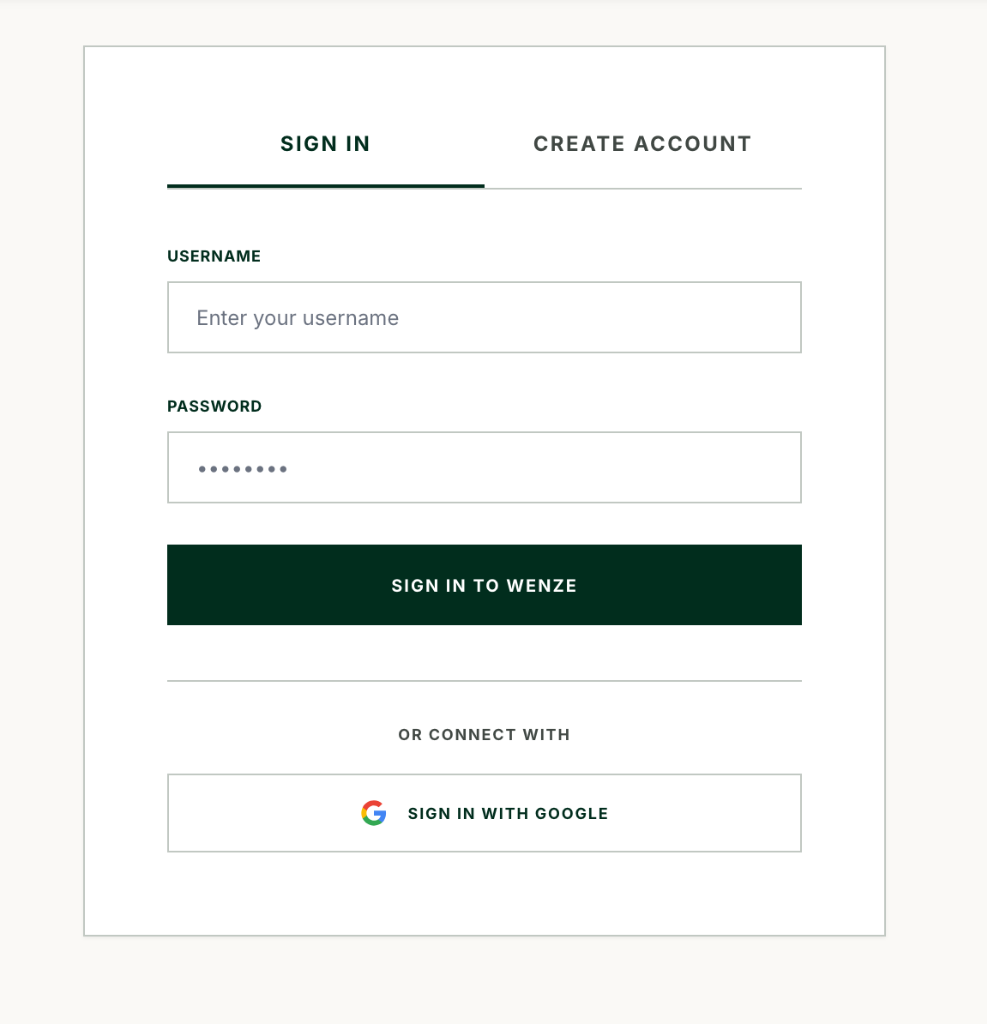
Eligibility: You must be at least 18 years old to create an account.
Accuracy: You agree to provide accurate, current, and complete information during registration and keep it updated.
Credentials: You are responsible for safeguarding your login credentials. Notify us immediately of any unauthorized access to your account.
3. Secure Payment Hold & Marketplace Transactions
Stripe Processing: All payments are processed through Stripe, Inc. By purchasing or selling on the platform, you agree to Stripe's Services Agreement.
Secure Payment Hold: When a purchase is completed, funds are held securely by Stripe. Funds are only transferred to the Vendor's account after carrier-verified delivery plus a 24-hour verification window.
Pricing & Taxes: Vendors are responsible for setting prices and identifying any applicable local state sales taxes.
4. Vendor Obligations & Listings
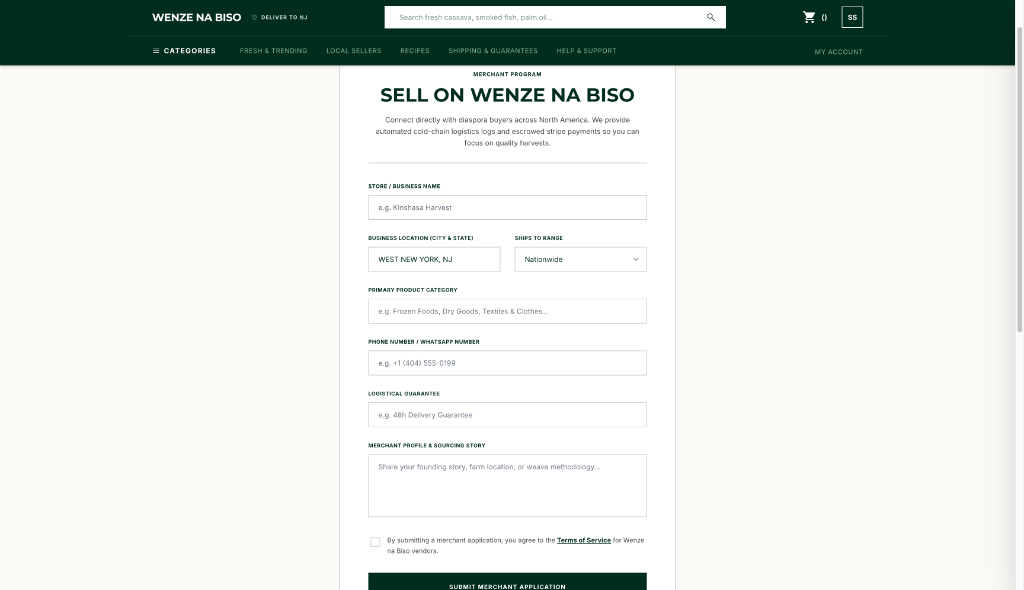
Listing Integrity: Vendors must only list items that are authentic, safe, and comply with state and federal laws.
Perishable Logistics: Vendors selling perishable items must declare them as Perishable and pack them with commercial insulation and gel packs in compliance with our Cold-Chain Guarantee.
Off-Platform Conduct: Transactions must be completed through Wenze na Biso. Direct solicitations for off-platform payment (Zelle, CashApp, etc.) may result in account suspension or termination.
5. Refund & Cancellation Policy
Standard Cancellations: Buyers can cancel any order and receive a full refund at any time before the Vendor marks the package as shipped and uploads a tracking code.
Unshipped Orders: If an order is not dispatched within 5 business days, the transaction is automatically cancelled, and a full refund is processed.
Perishable Spoilage: If cold-chain items arrive warm or spoiled due to packaging failure or transit delay, buyers must submit a dispute with photo proof within 12 hours of delivery to receive a refund.
Return of Staples: Non-perishable items can be returned within 7 days of delivery if they are unopened and in their original packaging. The buyer is responsible for return shipping costs.
6. Cookie Policy
We use cookies to improve your browsing experience and keep our platform secure.
Essential Cookies: Necessary for the security and operation of the marketplace (e.g., maintaining your login session and remembering shopping cart items).
Payment Processor Cookies: Stripe utilizes security and anti-fraud cookies during checkout to prevent fraudulent transactions and analyze card authorization risks.
Preference Settings: Used to remember user settings, regional parameters, and display options. You can manage or disable cookies in your web browser settings.
7. Limitation of Liability
Wenze na Biso is not liable for health issues, foodborne illness, or packaging defects caused by products prepared and shipped by third-party Vendors.
We do not guarantee the performance of carriers (USPS, UPS, FedEx) but facilitate refunds under our Cold-Chain Guarantee.
8. Governing Law
These Terms are governed by and construed in accordance with the laws of the State of Delaware, without regard to conflict of law principles.